Find the right software to run your service business
Plain comparisons of scheduling, quoting and invoicing tools for cleaning, lawn, HVAC and plumbing crews.
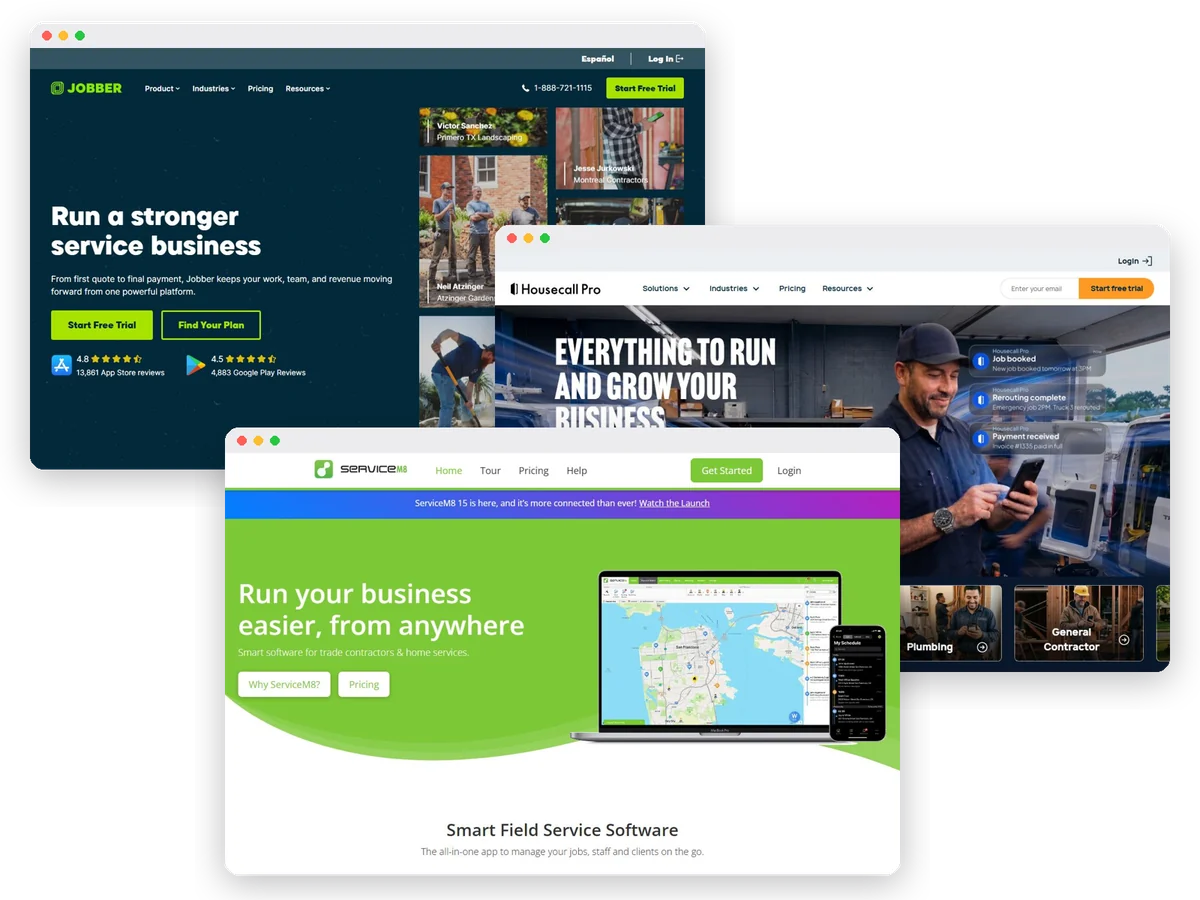
Stop rebuilding tomorrow's schedule in text messages
Service Crew Tools helps US home-service owners with 1-15 people choose software for scheduling, dispatch, quotes, invoices, and payments. Our readers clean houses, maintain lawns, fix air conditioners, handle plumbing calls, and run other local service businesses. The starting point is usually a calendar, a spreadsheet, and too many customer texts.
The right purchase depends on how your work moves. A recurring cleaning route creates different problems from an emergency plumbing call. We compare the tools around those differences, including what happens when you hire help or need a feature above the entry plan.
The quick answer
- Best general starting point: Jobber, for owners who want to connect quoting, scheduling, and invoicing.
- Best repair-trade shortlist: Housecall Pro, for a shop evaluating a price book, job costing, and future maintenance plans.
- Best route-focused shortlist: GorillaDesk, for recurring pest, lawn, and pool work where separate routes drive the budget.
- Best free starting point for a solo owner: ServiceM8, provided its user and job-volume limits match the business.
- Best phone-focused alternative: Workiz, when coordinating incoming calls deserves its own purchasing discussion.
These are editorial starting points based on vendor documentation, not awards from hands-on testing. A product only earns its place in your business after you confirm the required plan and run your own normal job through it.
To check current packages, visit Jobber for the general-service option or visit ServiceM8 for the solo and job-volume plans.
Compare the business you actually run
Count everyone who needs access, including the person answering calls. Then count separate schedules and new jobs during a busy month. Those measures matter because the vendors sell access differently. A low entry price can describe a solo plan, a route, or a job allowance.
Write down the problem you want to solve first. Perhaps invoices wait until Sunday, cleaners miss updated access instructions, or technicians call the office for customer history. Choose a tool that addresses that specific delay before paying for marketing or advanced reporting.
Keep customer booking and dispatch separate in your evaluation. Letting a customer request a visit is useful, but someone still needs to check travel, job length, crew skills, and whether the property is ready. Your trial should include a reschedule and an exception, not just a perfectly filled calendar.
Read the guide for your work
Start with our cleaning scheduling guide if recurring visits and crew handoffs are your main concern. The lawn care software guide focuses on routes, weather changes, and repeat billing.
Choosing between familiar names? Read Jobber vs Housecall Pro, Jobber vs ServiceM8, or Jobber vs Workiz. Each comparison explains which type of owner should favor each option.
For budget questions, use our Jobber cost explanation and free ServiceM8 plan assessment. If your records are scattered already, follow our spreadsheet migration checklist.
Running a small repair crew? Our article on dispatch software for two technicians helps you decide when shared scheduling needs a more structured handoff.
How this site makes recommendations
We researched official pricing pages, feature documentation, and public partner information. We did not hands-on test these products. Recommendations reflect the fit between published capabilities and small-business workflows; they do not promise particular savings or results.
Prices are stated as of November 2026. Promotions, payment fees, usage, taxes, and optional services can change what you pay. Confirm the final order before subscribing.
This is an affiliate buying-guide site. We may earn a commission through product links. A vendor having a partner program does not mean this site has been accepted into it. Our product records keep source URLs and the actual verification date so the research can be checked.
Head-to-head comparisons
Buying guides
- Best Field Service Software for Small Lawn Care CrewsUS lawn care owners: compare five software picks for repeat routes, rain delays, estimates, and billing, with a practical buying checklist.
- Best Scheduling Software for Small Cleaning BusinessesUS cleaning owners: compare five scheduling tools for recurring visits, cleaner access, customer changes, and billing without duplicate records.